|
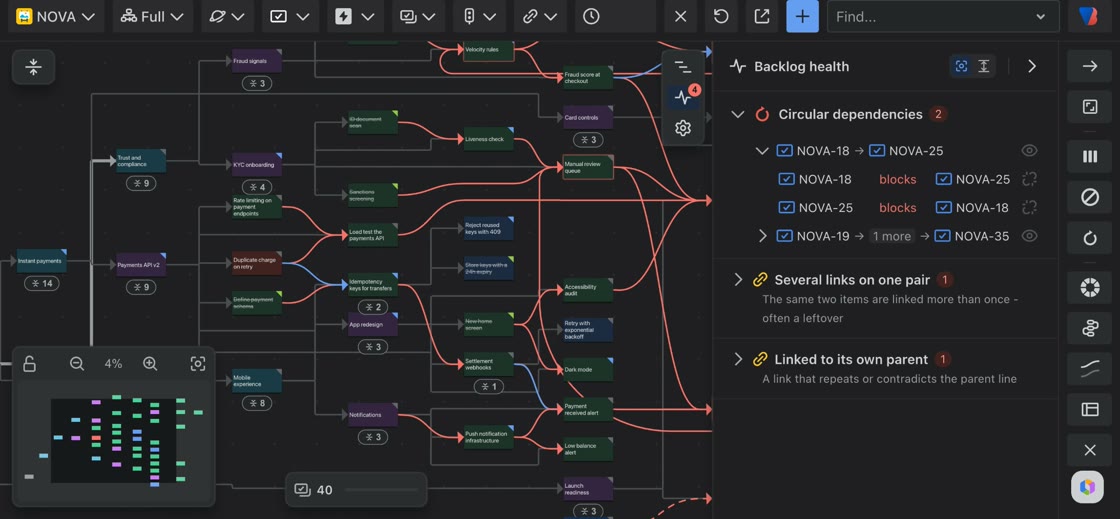
What's new · November 2026 The biggest update since Visual Backlog launchedHi there, the map has been rebuilt, and there is a lot that is new. It's already on your Jira site, with nothing to install or approve: open any Jira space and choose Visual Backlog from the space's menu. | |||||
| |||||
|
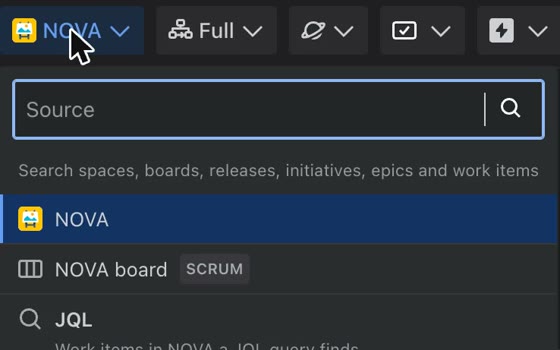
Grouping Group the map into lanesPut the map into lanes, one for each team, sprint, epic or release, and see which dependencies cross from one lane to another. 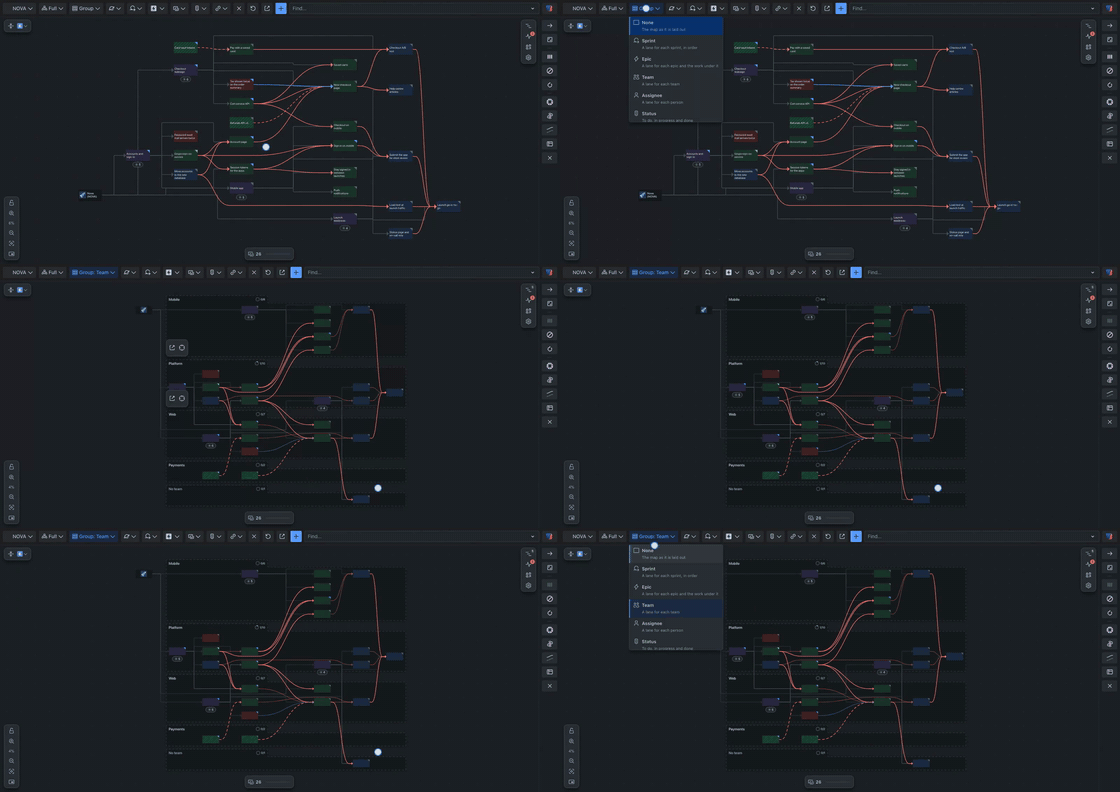
| |||||
|
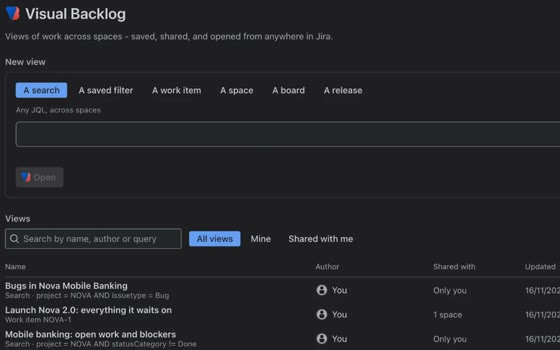
Backlog health Catch broken dependencies before they stall your planTwo tasks that each wait for the other can never start. Backlog health finds problems like this in your Jira links and helps you fix them in a click. 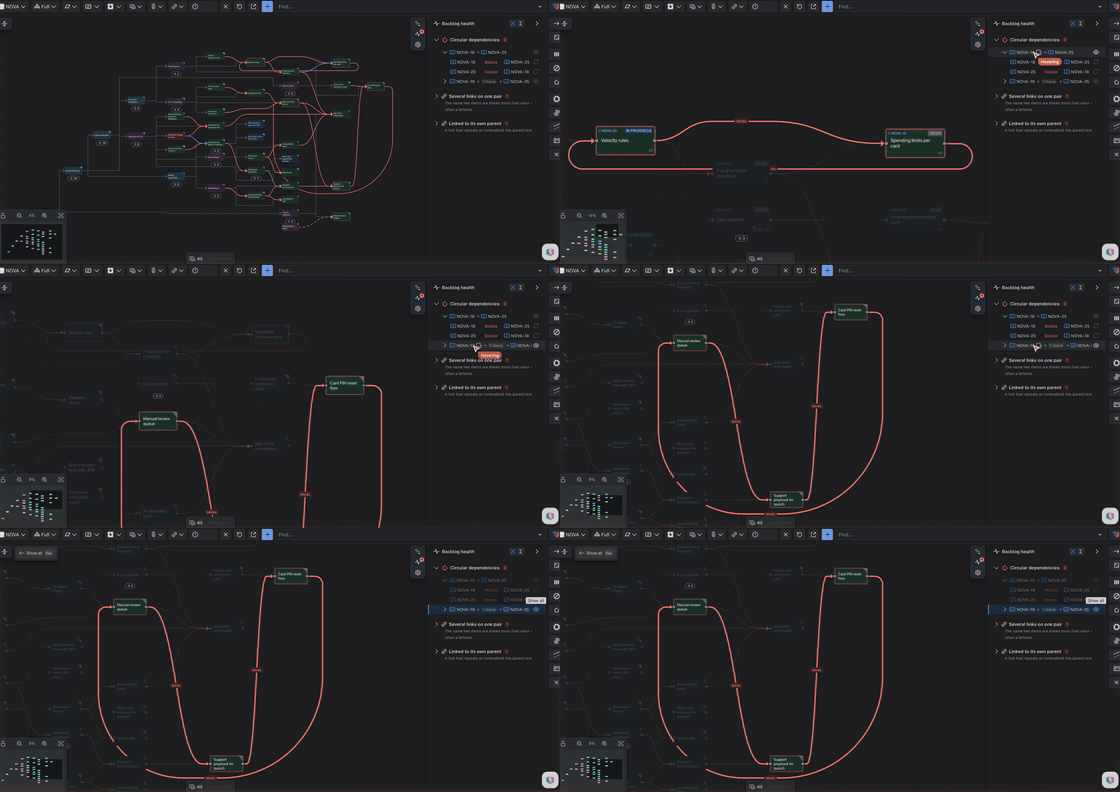
| |||||
|
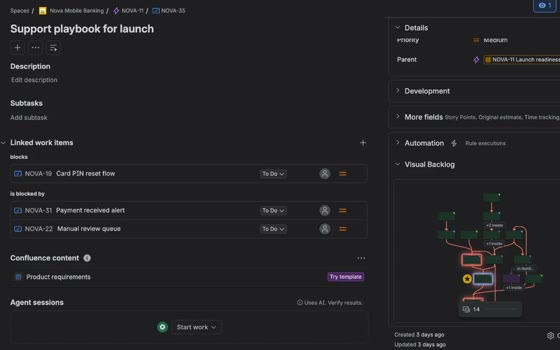
Ergonomic linking Link to any work item without leaving the mapDrop a link anywhere on the map to connect to any work item in any space, or create the missing one, and it is saved in Jira as you plan. 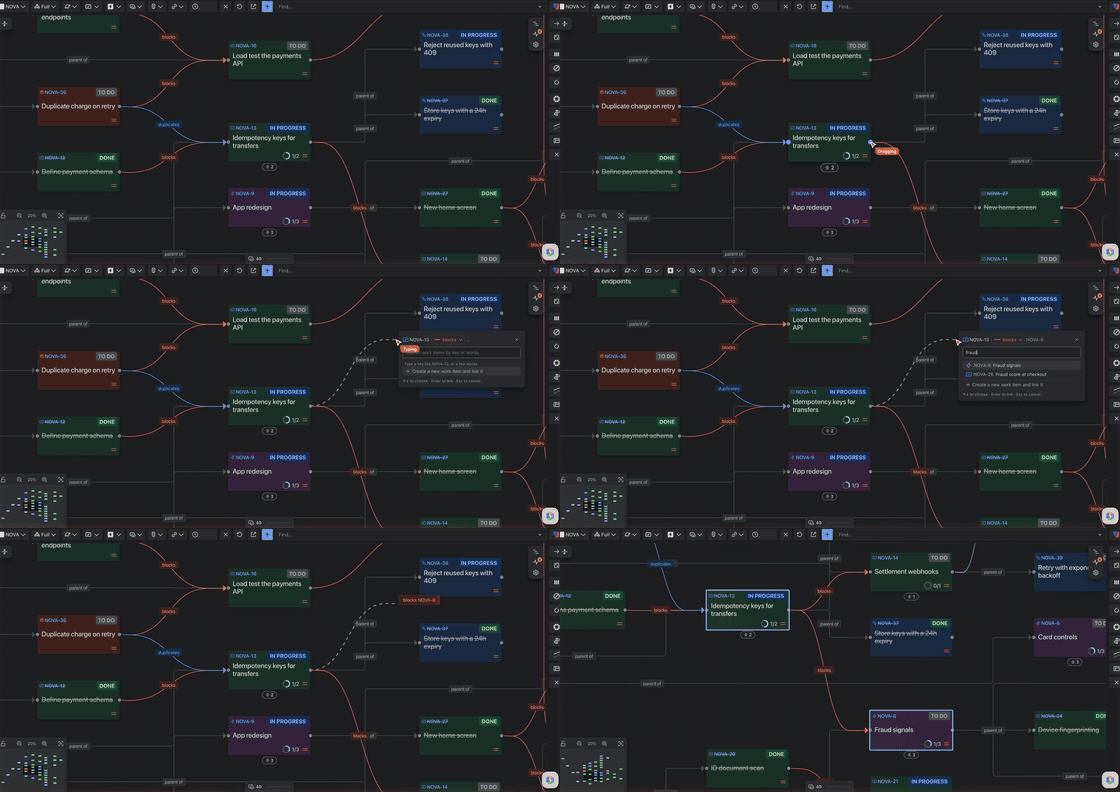
| |||||
Also new
| |||||
| See everything that's new → | |||||
|
Questions, or would you like a walkthrough with your own work? Reply to this email, or raise a request in our support portal. Step-by-step guides for every feature are in the Visual Backlog docs. The Visual Backlog team |

|
Docs ·
What's new ·
Support ·
Marketplace This is the web copy of an email sent to Visual Backlog customers. Gibralabs · visualbacklog.app |